





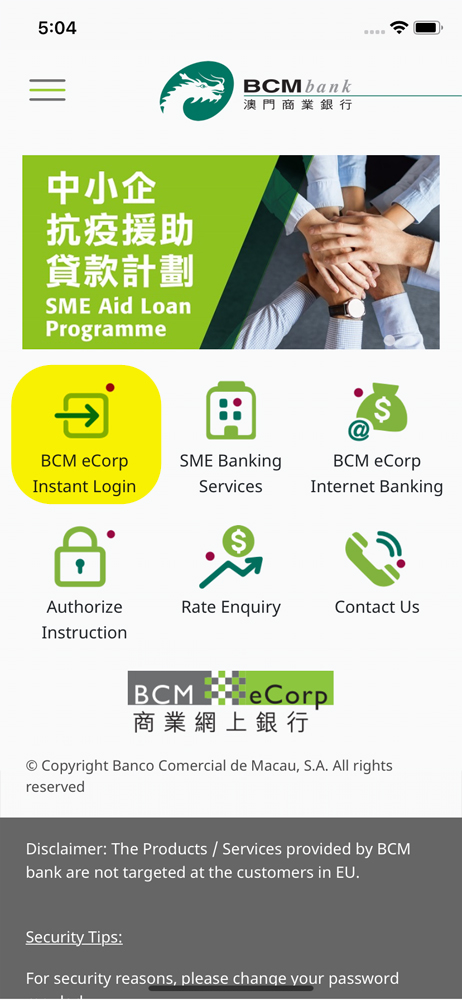
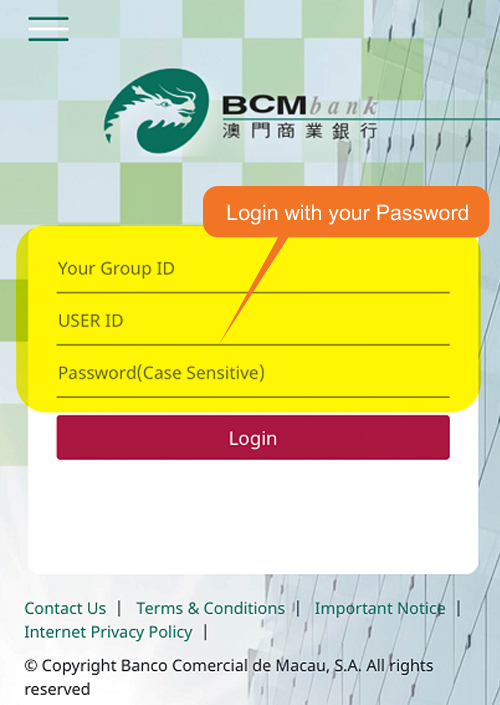
Please login with your Group ID, User ID and Password.
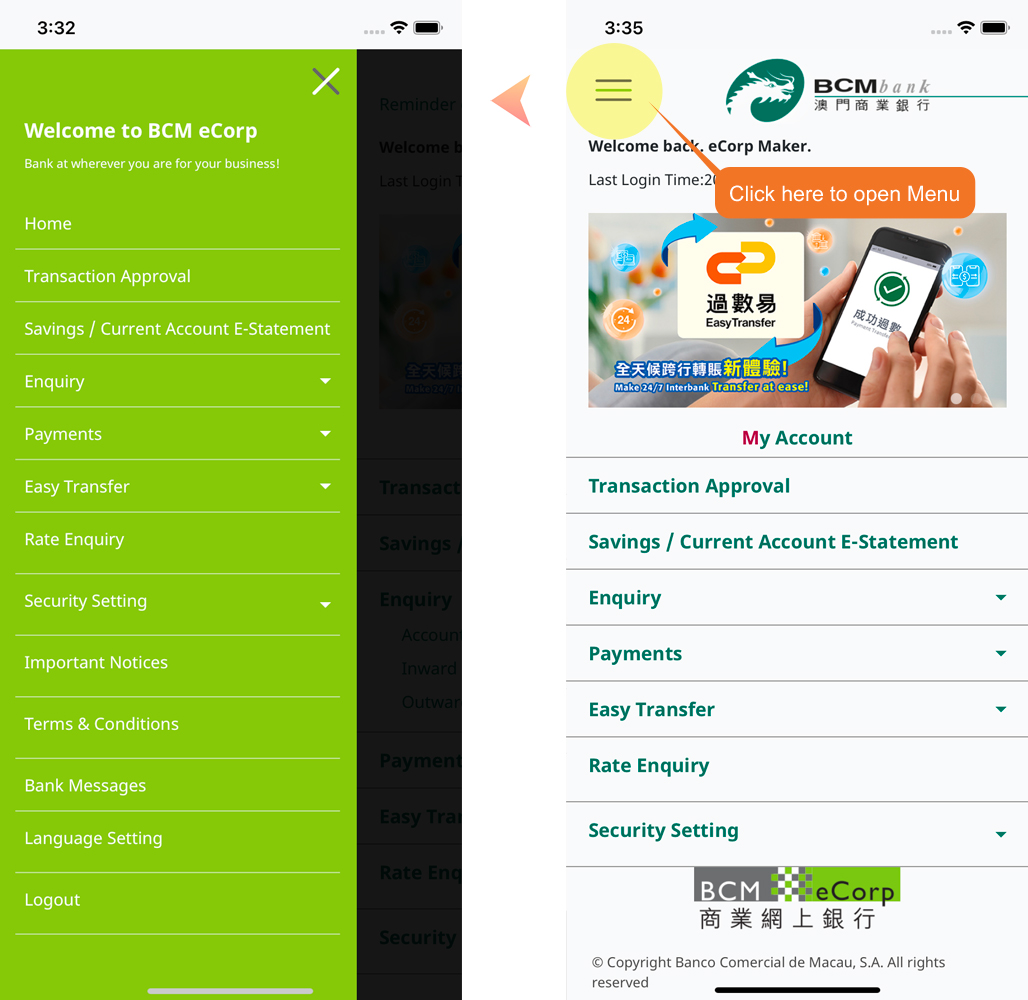
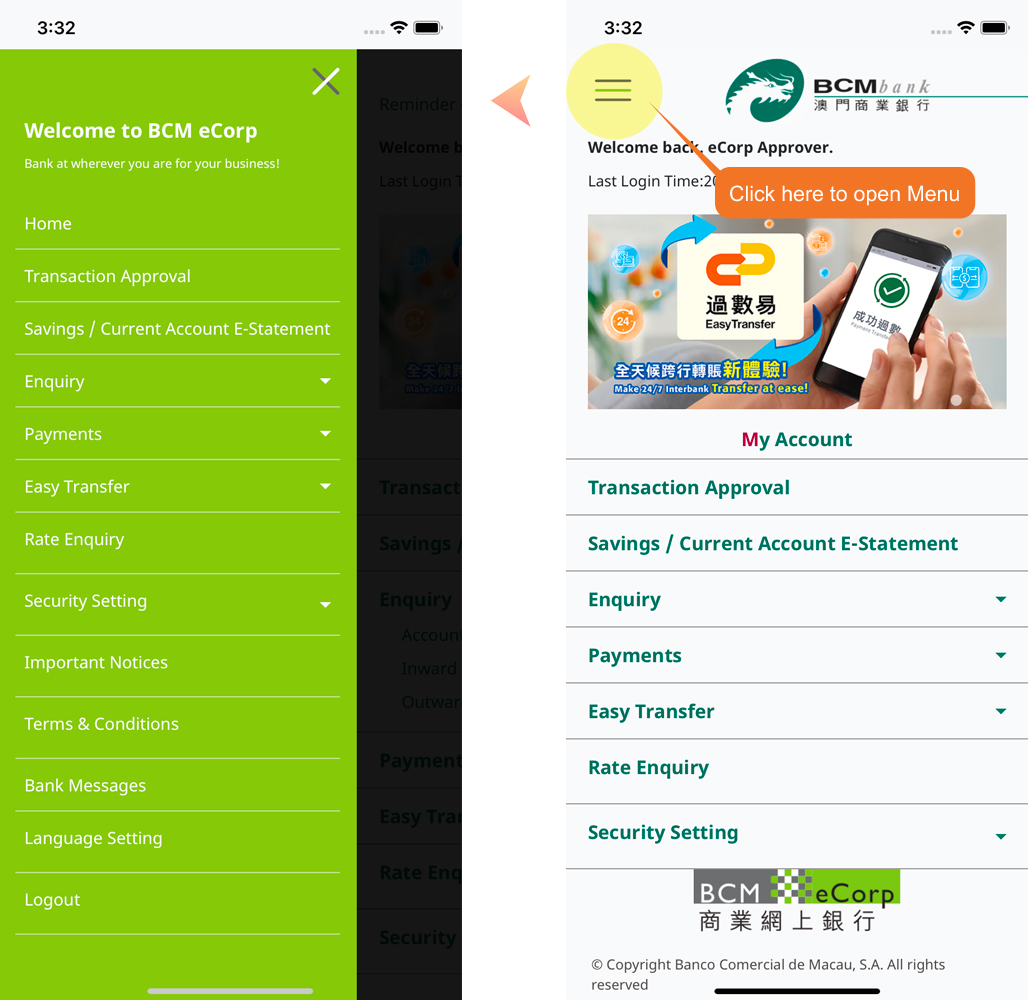
You can now experience BCM eCorp Mobile Banking Service!
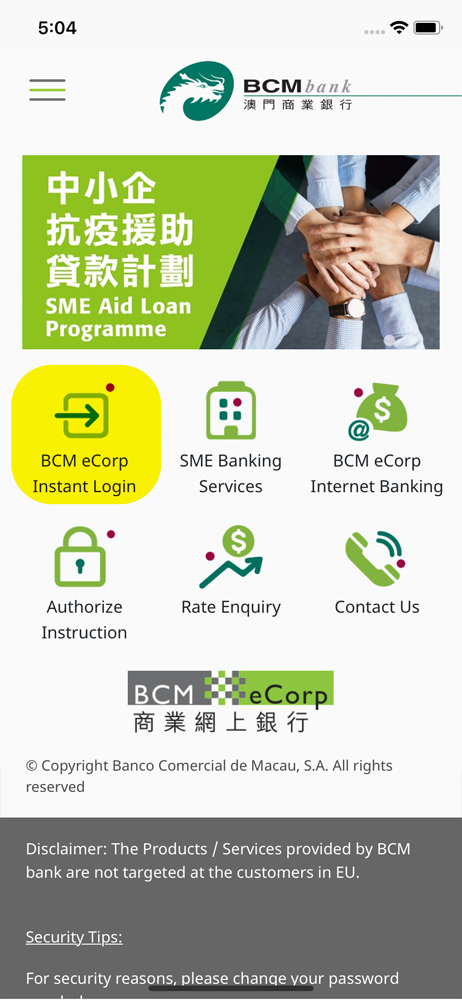
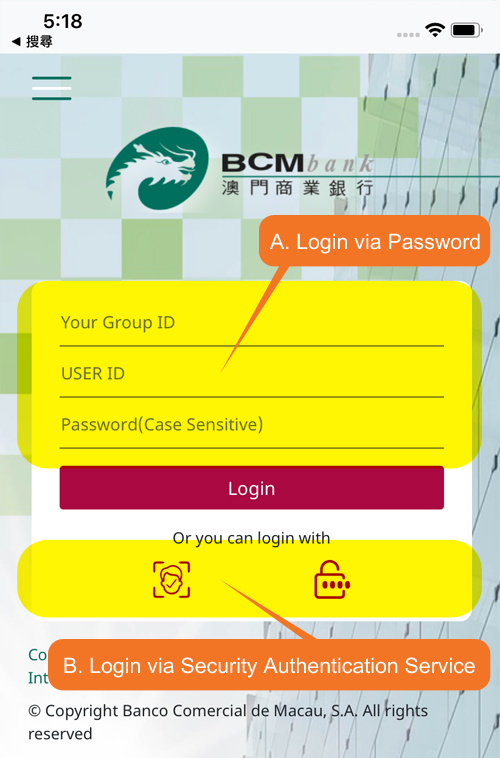
5. Account type as Approver can login with Password or Security Authentication Service
A) Please login with your Group ID, User ID and Password, and proceed with the SMS One-Time Password (OTP) sent to your registered mobile number on Bank’s record
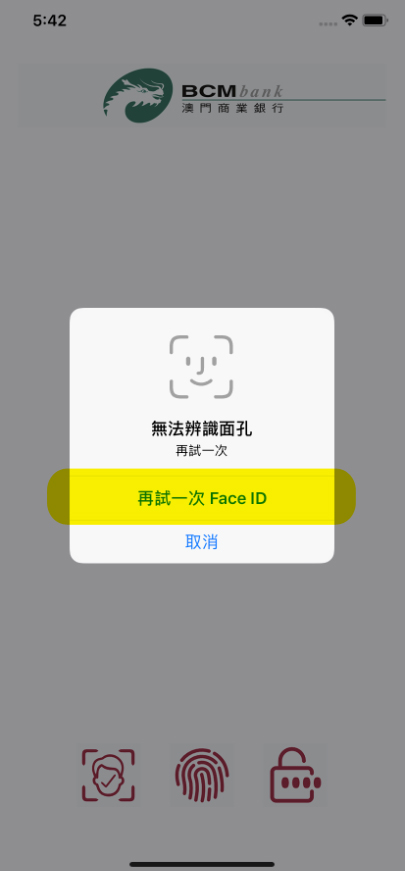
B) If you have successfully activated the Security Authentication Service, the system will automatically prompt the indicator of fingerprint authentication, facial recognition authentication or the security passcode authentication varied by your setting.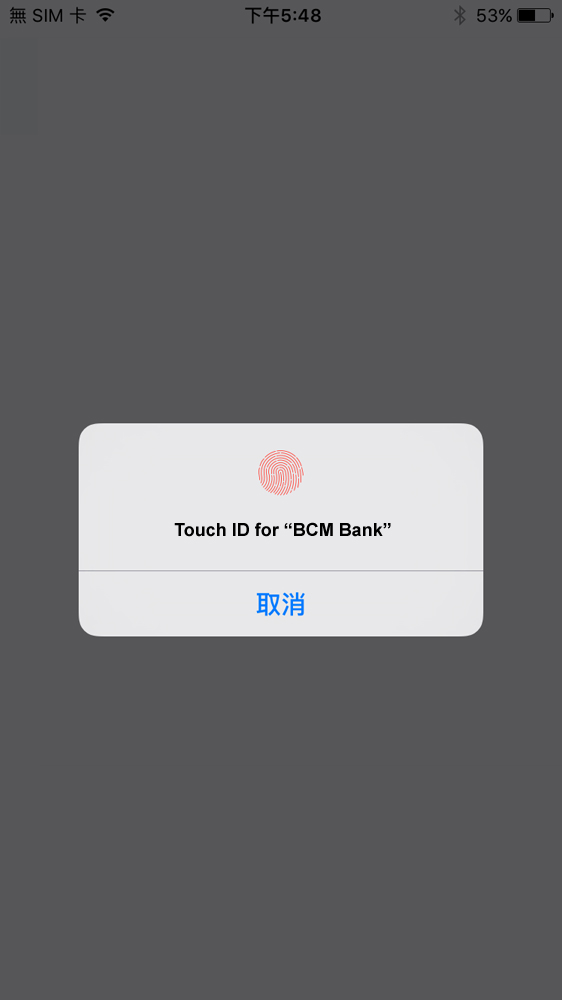
Remarks: the methods of authentication will vary according to the supported model(s) of the mobile device
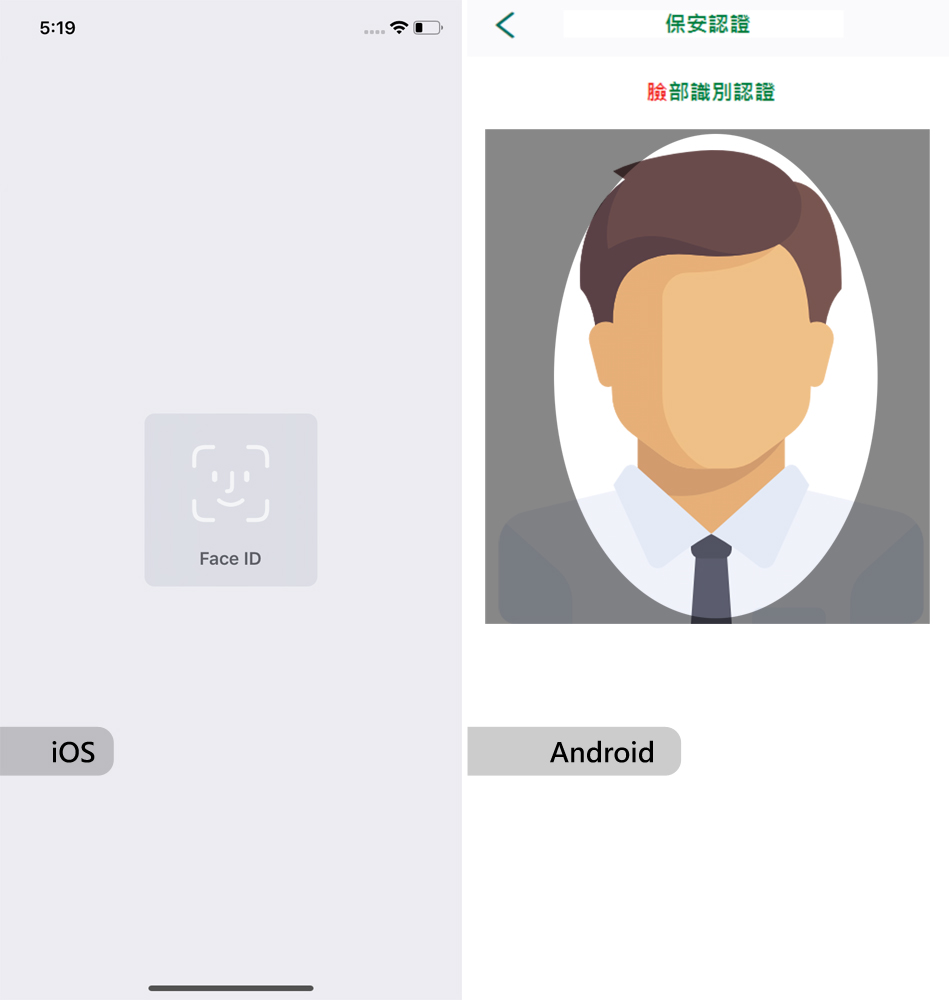
Remarks: the methods of authentication will vary according to the supported model(s) of the mobile device
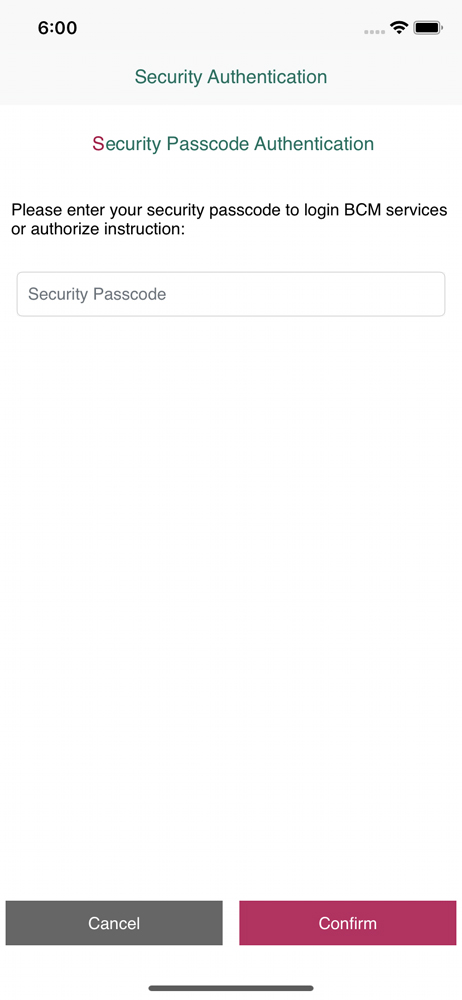
You can now experience BCM eCorp Mobile Banking Service!